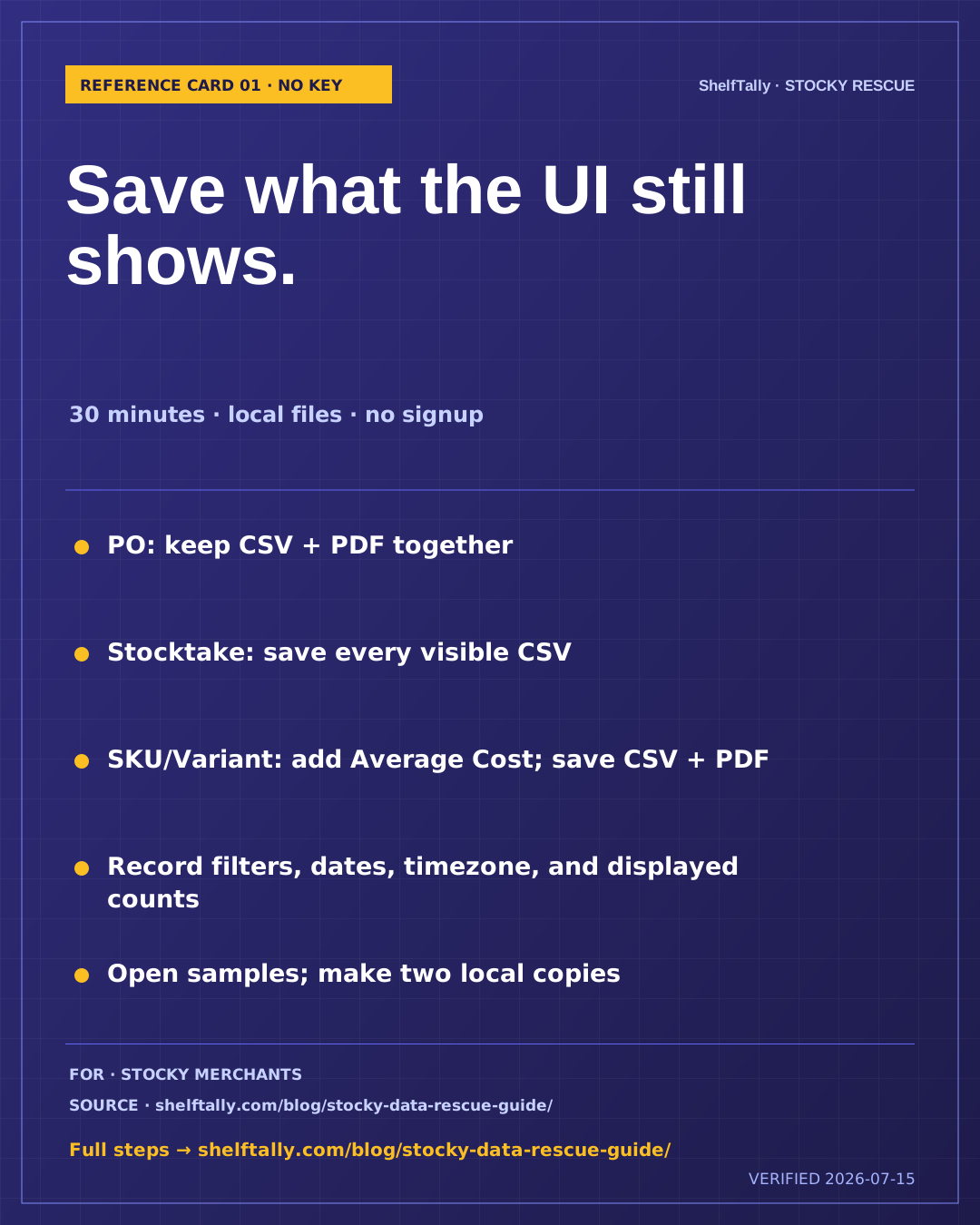
REFERENCE CARD 01
30-minute, no-key Stocky rescue checklist
Best for · Stocky merchants who want the lowest-trust path and can still open the Stocky UI
Save the strongest Stocky UI evidence without an API key, app install, login, or email gate.
Free · every claim sourced · no signup
Choose the card that matches what you still have access to. Download it, work through the steps, and open the full guide whenever you need more detail.
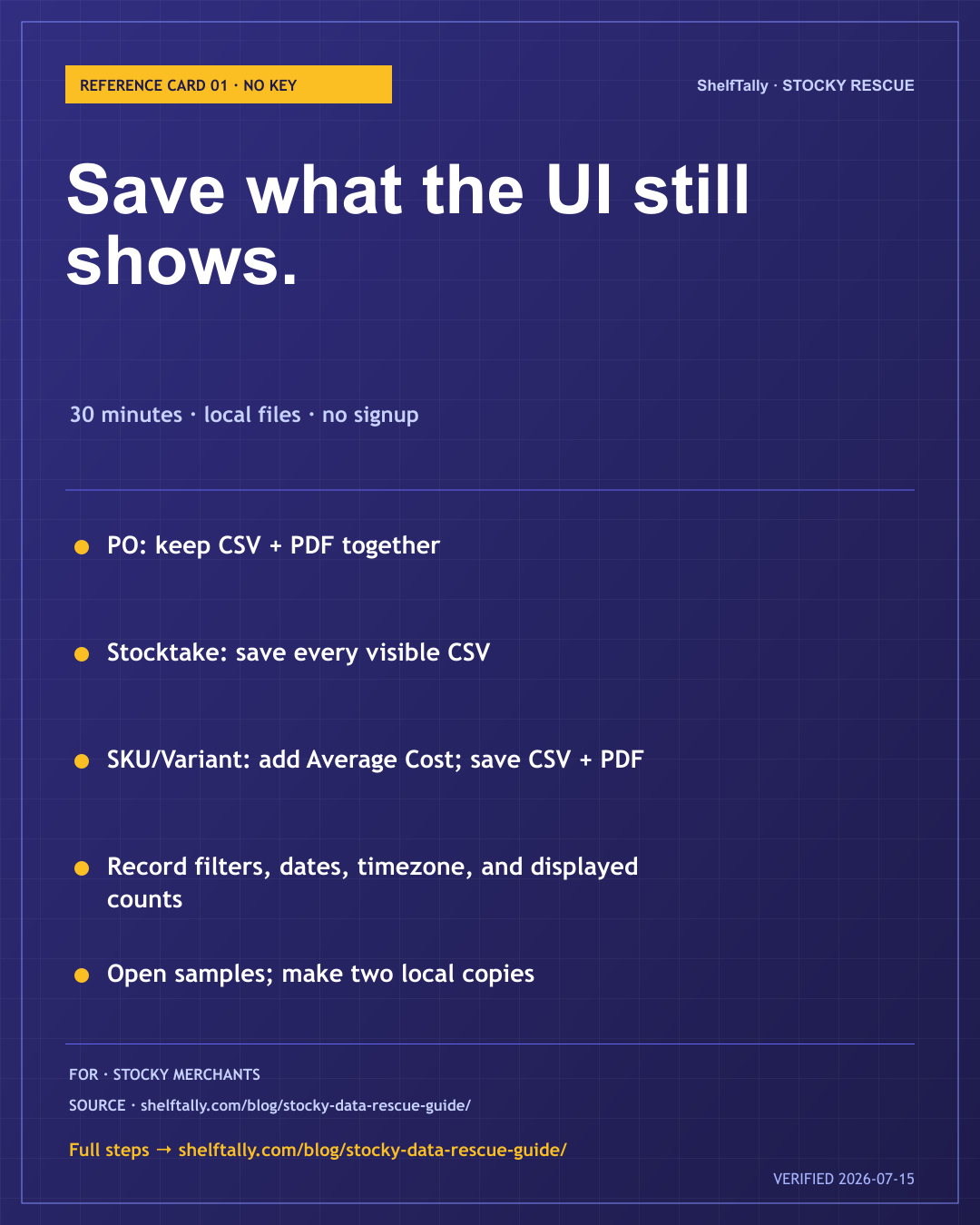
REFERENCE CARD 01
Best for · Stocky merchants who want the lowest-trust path and can still open the Stocky UI
Save the strongest Stocky UI evidence without an API key, app install, login, or email gate.
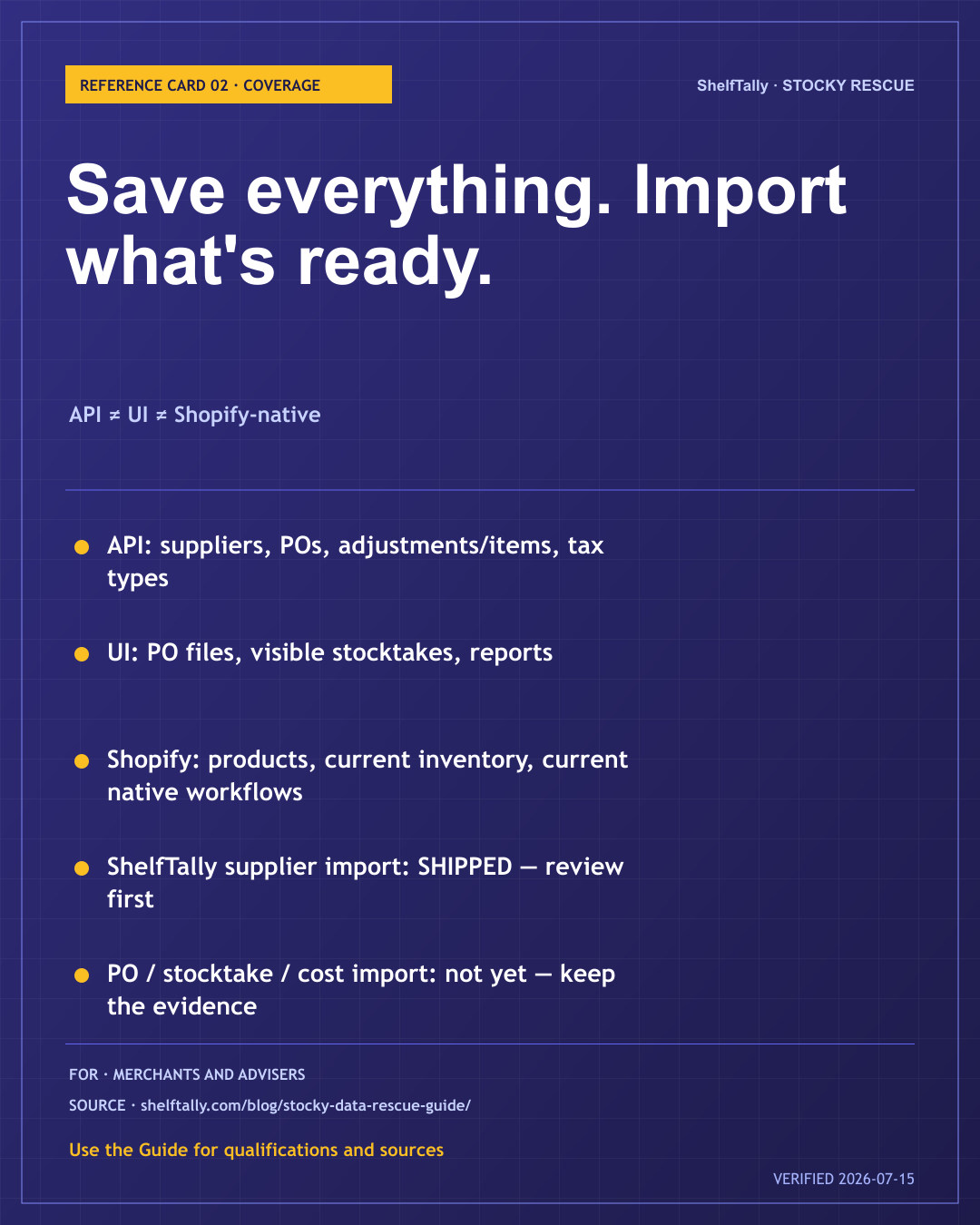
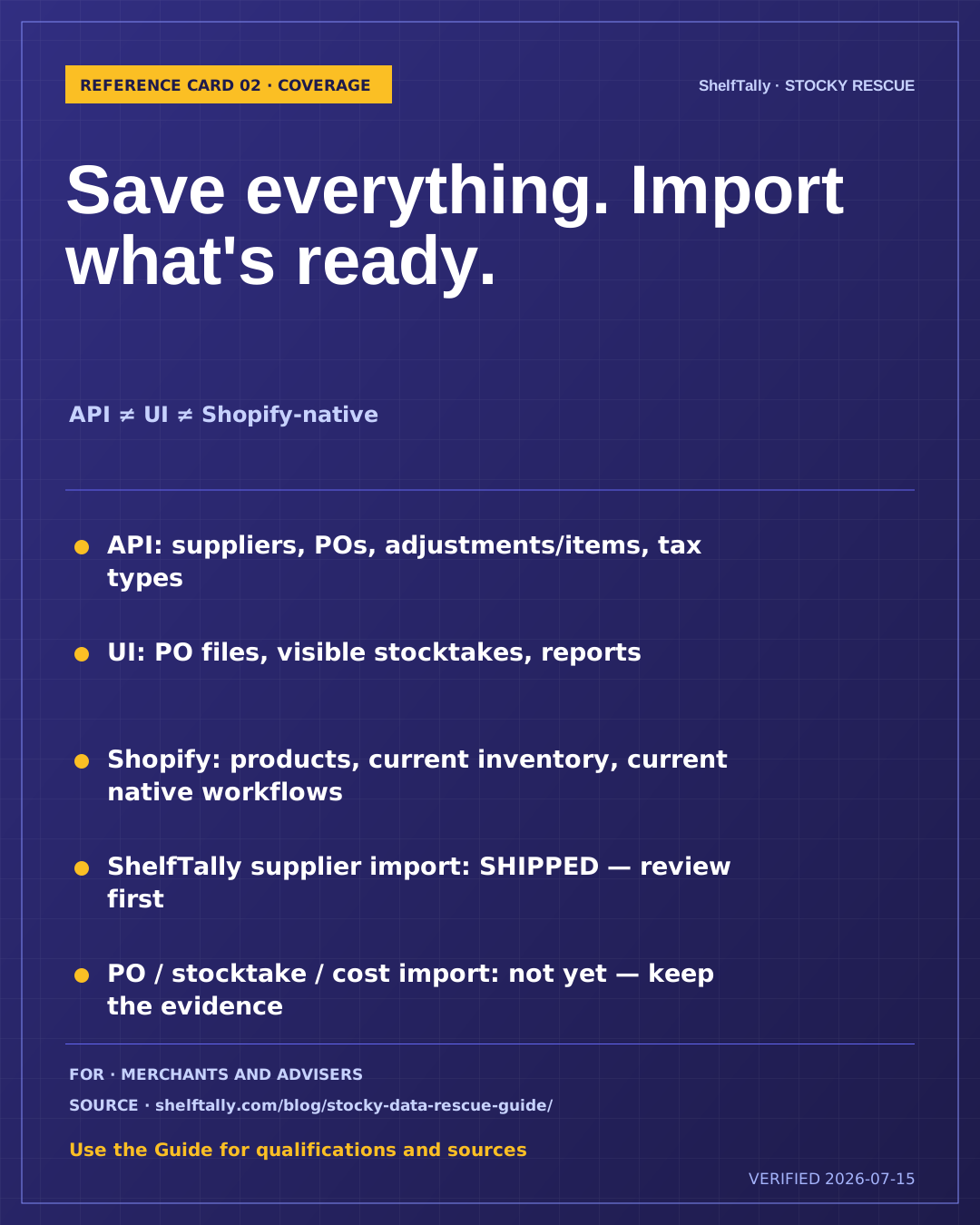
REFERENCE CARD 02
Best for · Merchants, agencies, accountants, and implementation partners scoping what a rescue can honestly preserve
See what you can save today and what moves into ShelfTally now versus later.
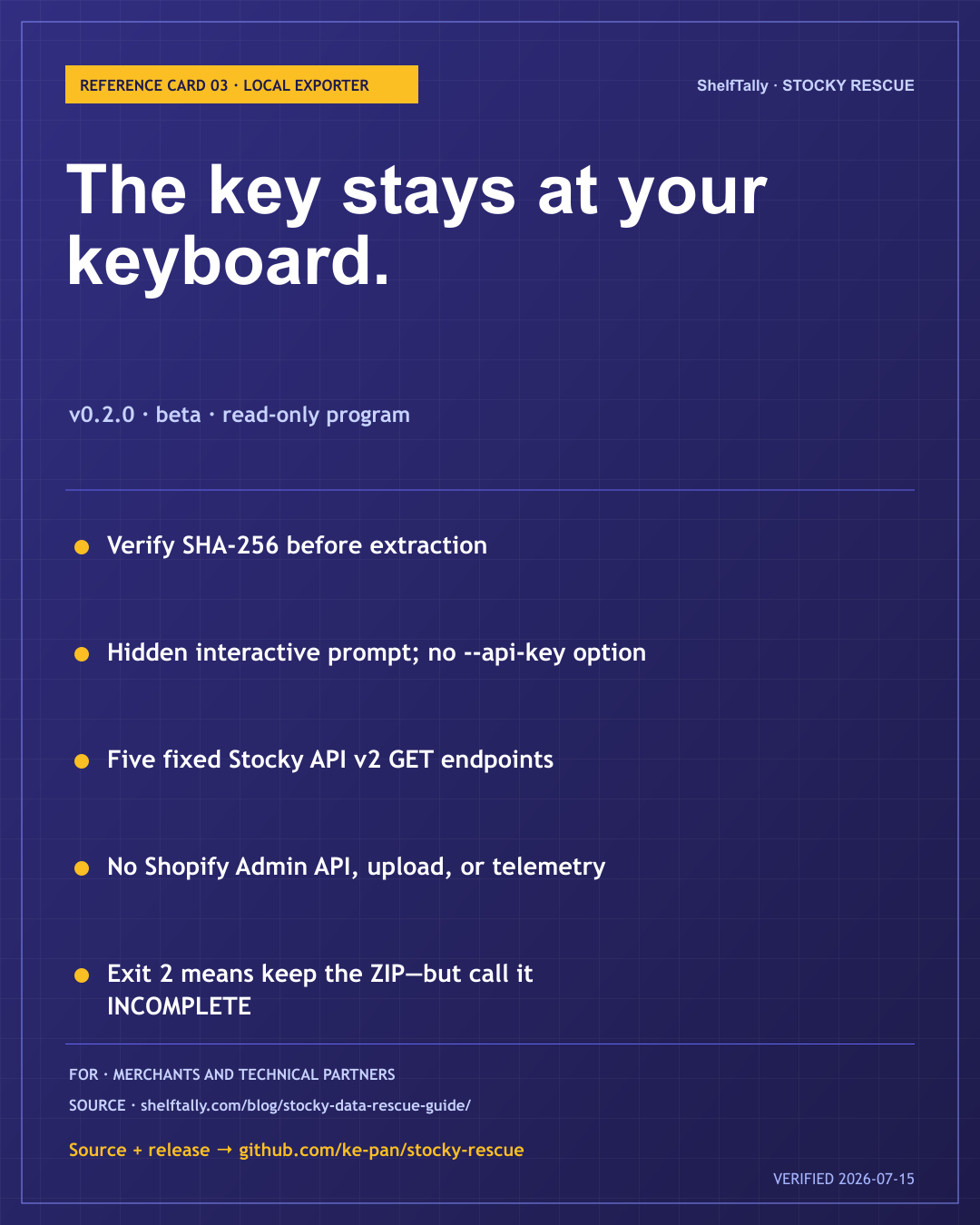
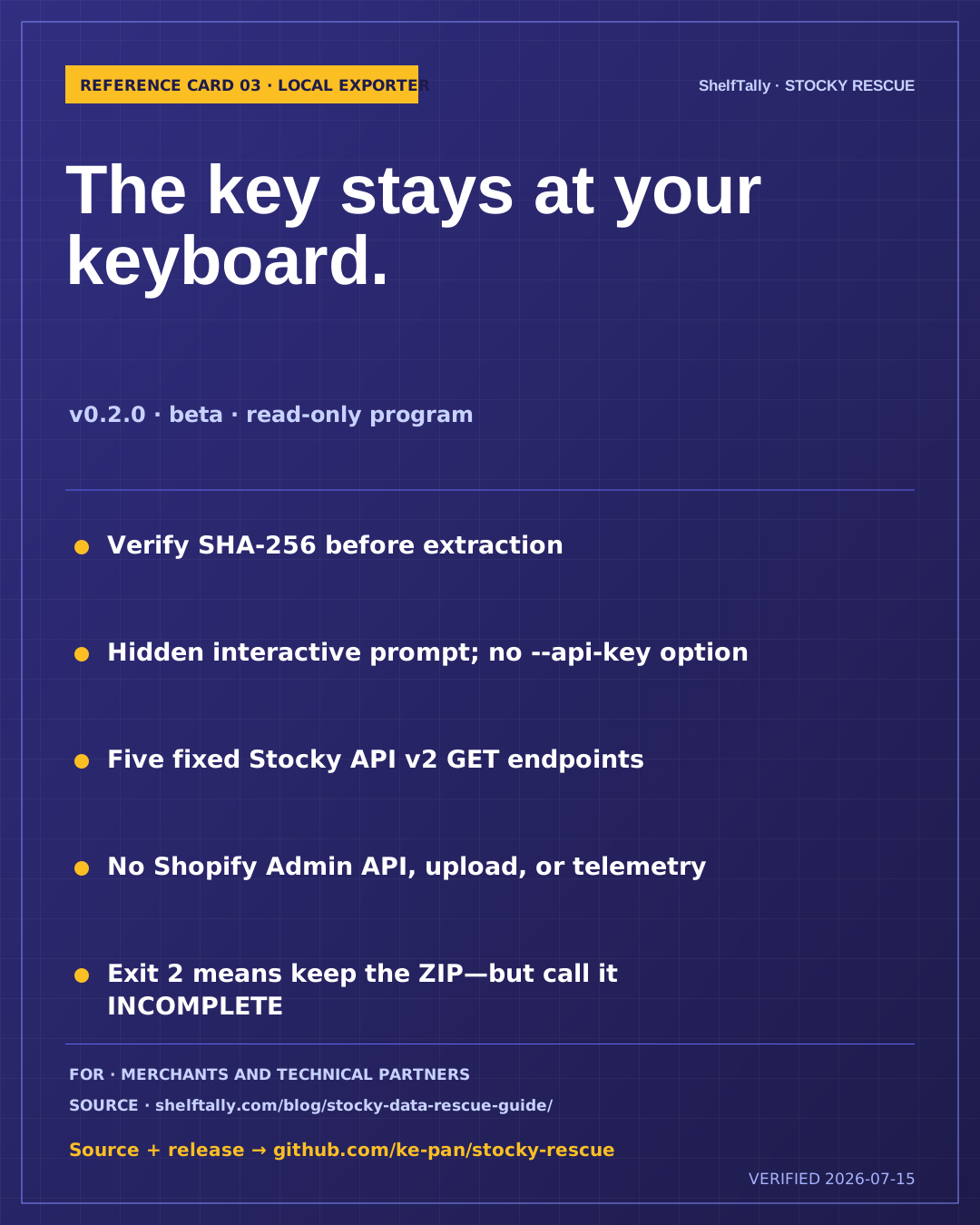
REFERENCE CARD 03
Best for · Merchants and technical partners considering the pinned Stocky Rescue v0.2.0 local exporter
Verify the pinned release, inspect its source, and enter the key only into the hidden prompt on a device you control.
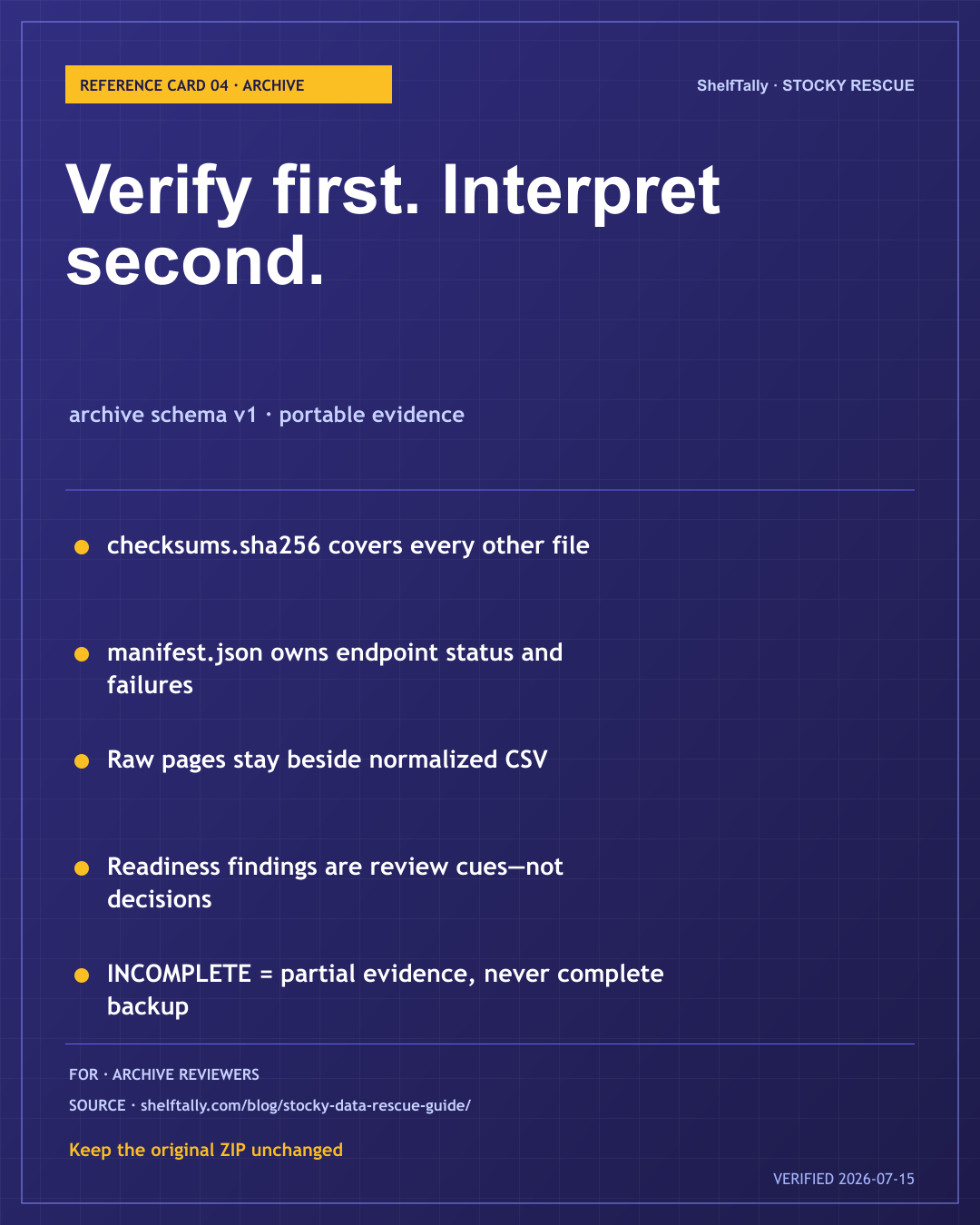
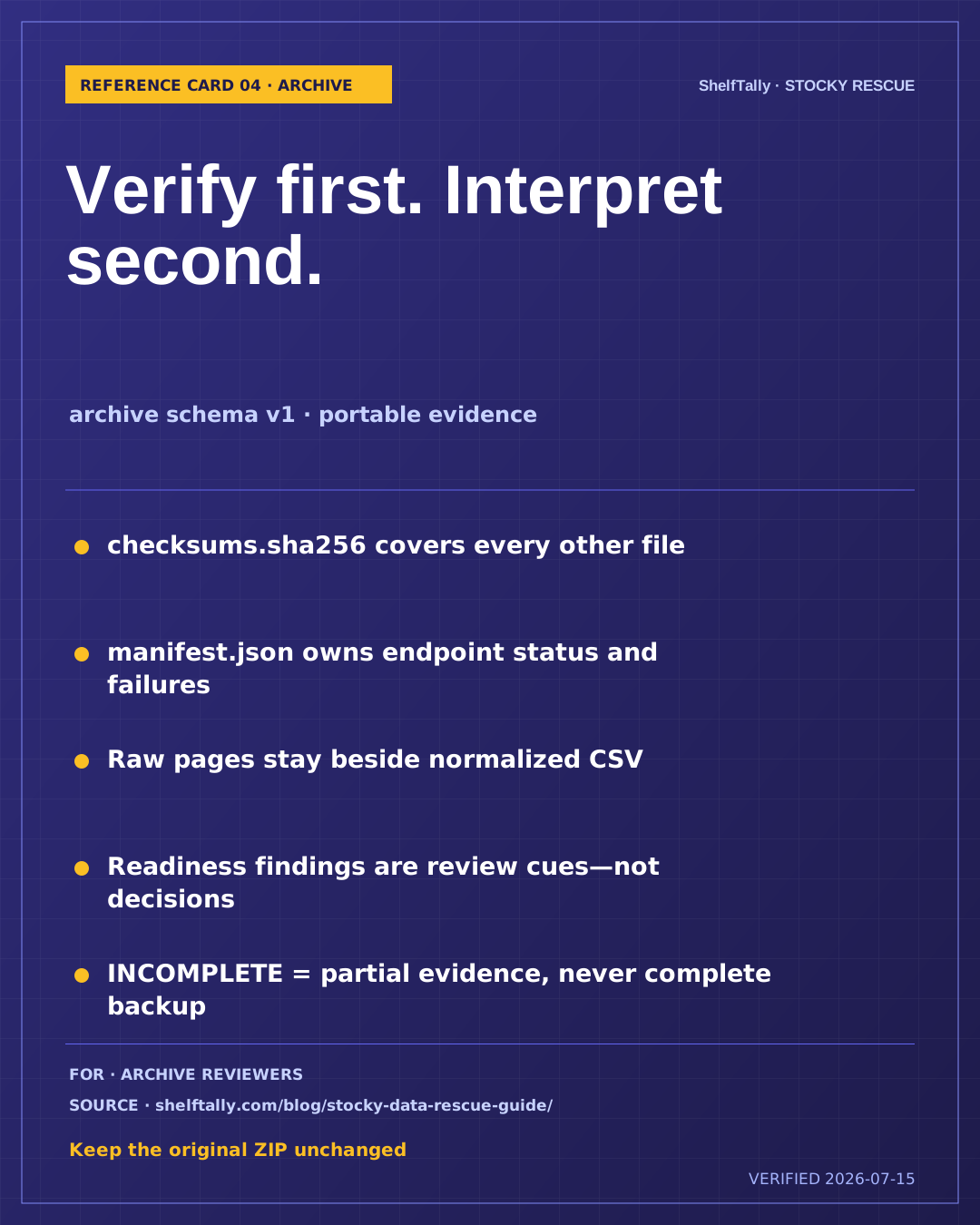
REFERENCE CARD 04
Best for · Anyone receiving or reviewing a Stocky Rescue ZIP before migration planning
Verify every checksum, treat manifest.json as the source of truth, and preserve partial archives without calling them complete.
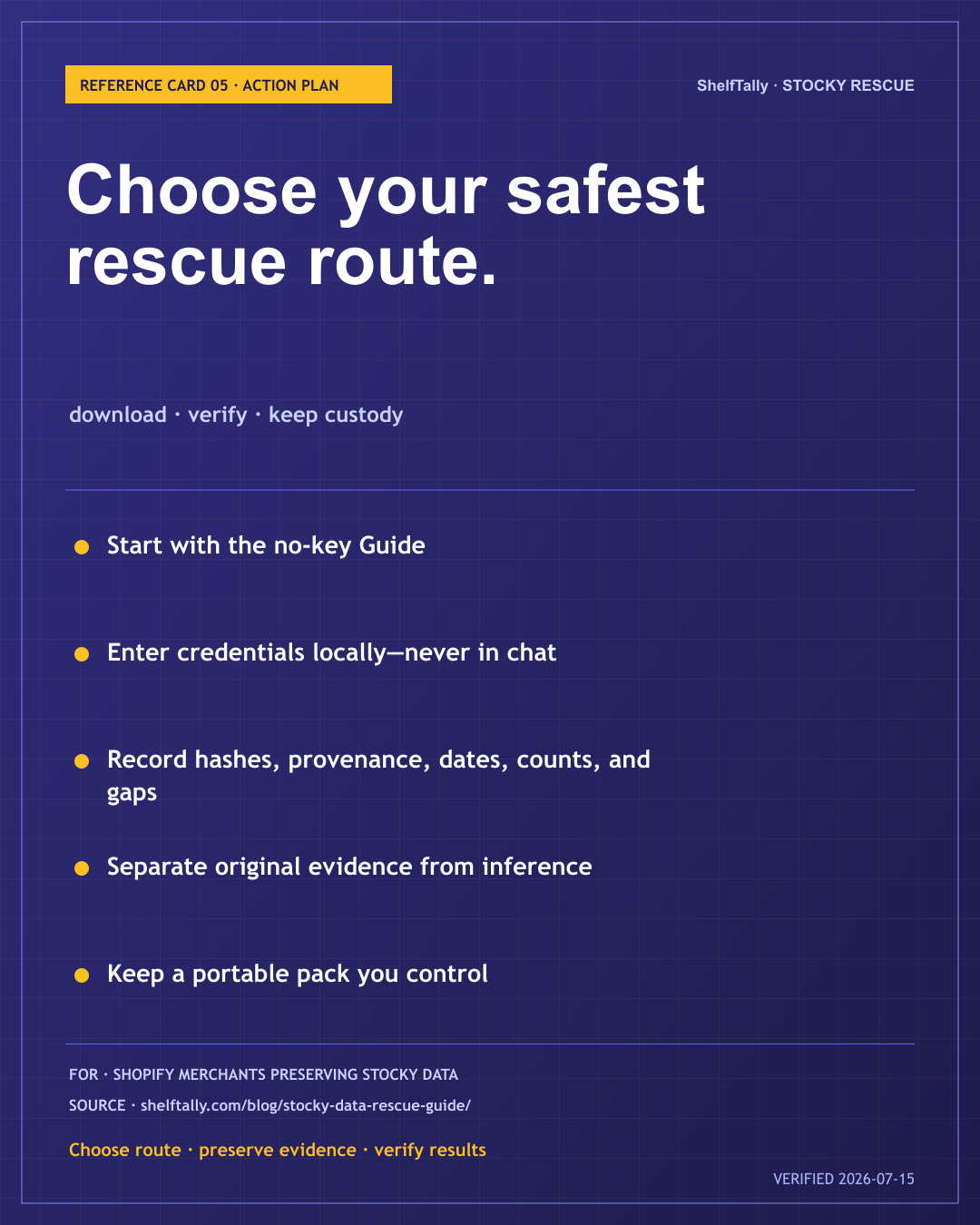
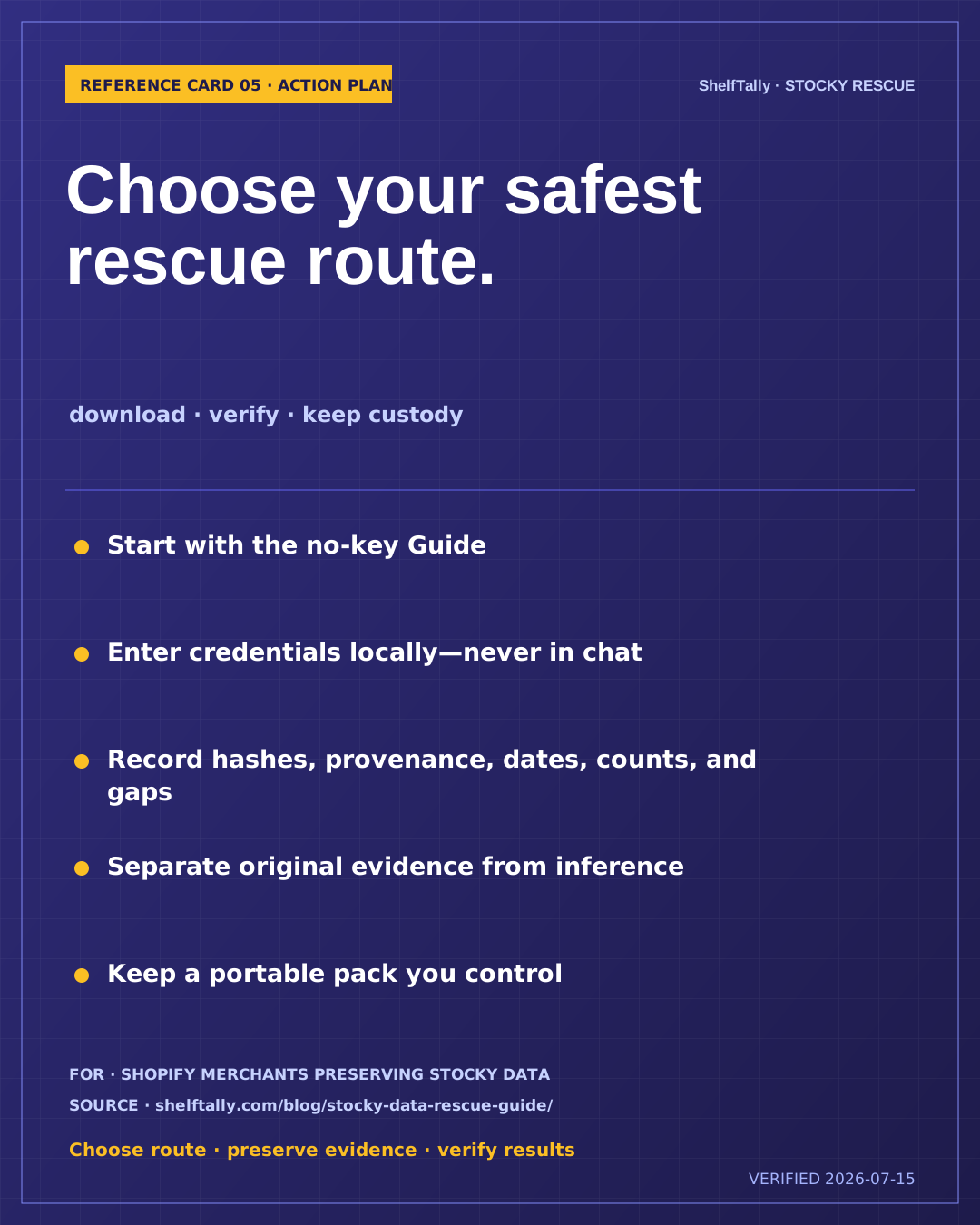
REFERENCE CARD 05
Best for · Shopify merchants who want one page for choosing a rescue route, keeping custody, and checking the result
Use one clear workflow to choose a rescue route, preserve source evidence, record gaps, and keep a portable copy of the result.
How to use these cards
Each card is a short working reference, not a replacement for the full guide. Keep it nearby so the next steps, safety limits, and source date stay visible while you save your Stocky data.
Need to do the actual rescue?
Start with the no-key checklist if Stocky still opens. Use forensic recovery only when API access is gone or the archive is incomplete. Never paste a Stocky key into chat, email, a form, or an AI prompt.